Walter Hoebich Viscosi
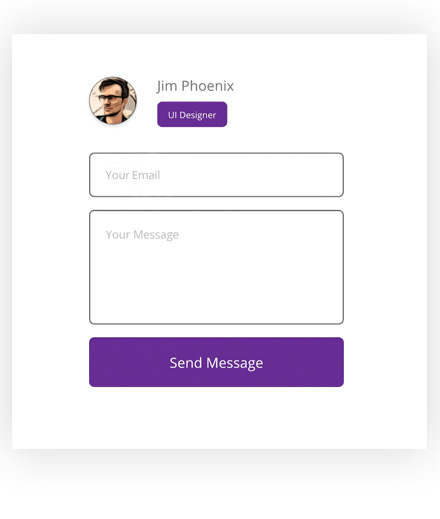
View some assets made from scratch with workflows for page design, animated forms and charts
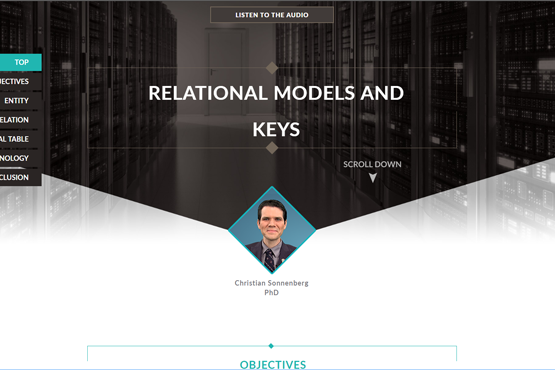
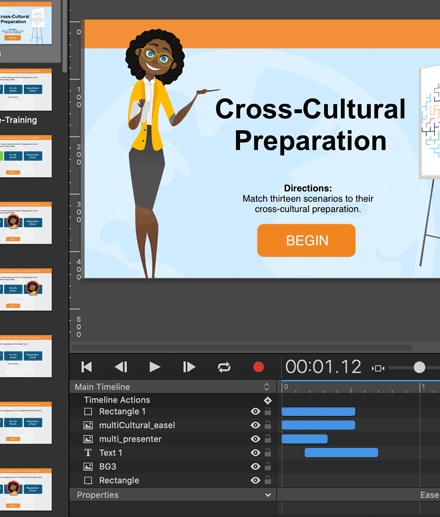
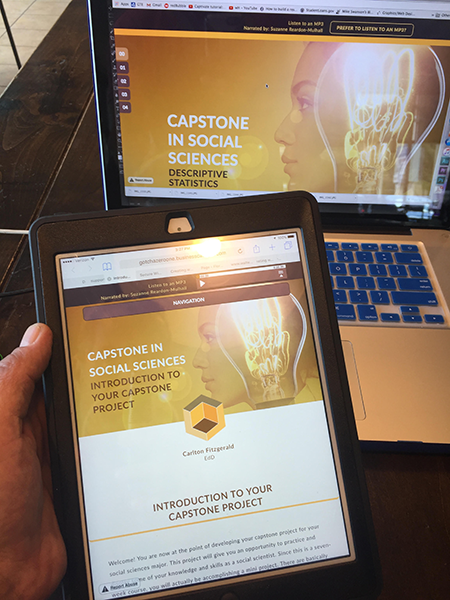
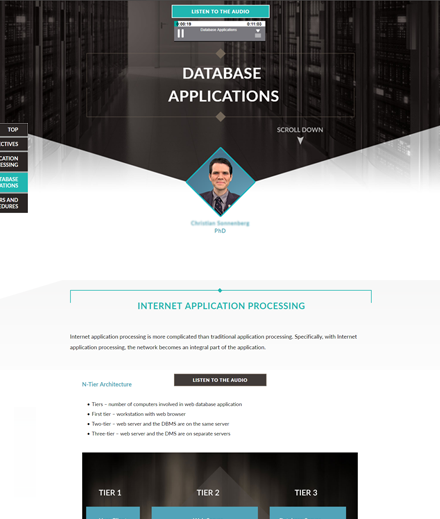
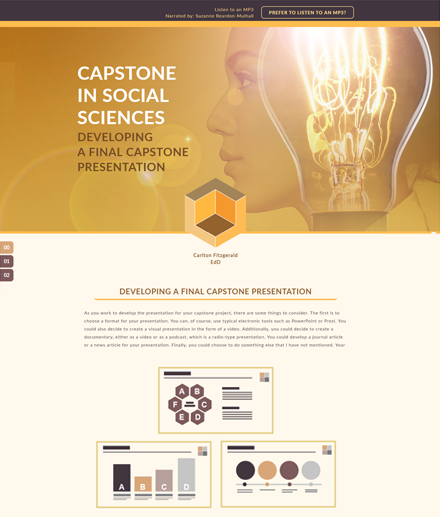
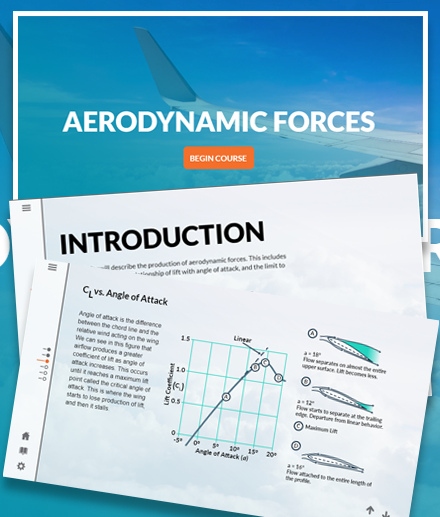
Using HTML editors like Hype (Mac) and Storyline (PC) to create web training assets
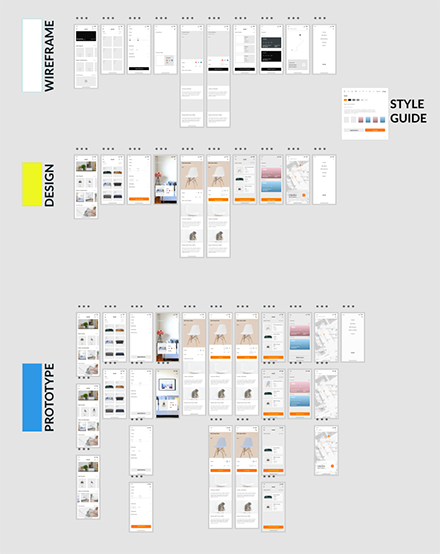
XD canvas snapshot shows product development stages for wireframes, designs, and prototype scripting
HTML scripting for interactive assets in various device widths; and a bonus when my own art is used
With quick review of a user interface and digital real estate specs, I’ll populate the environment with a look & feel that supports the brand
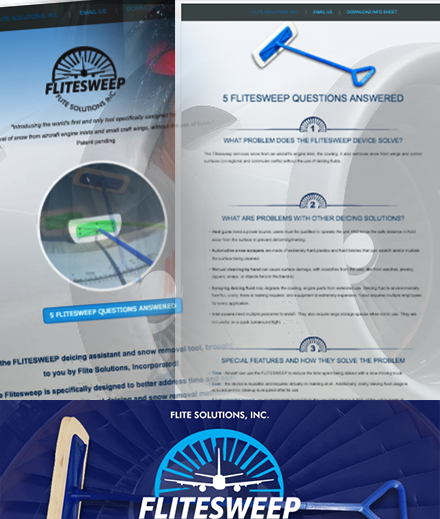
Remotely served a NY-based startup with company marketing and a new product information website
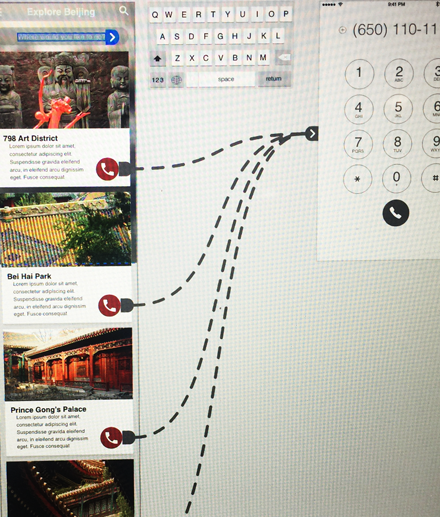
Defining interactive intentions for web developers in a 3rd stage of an XD workflow
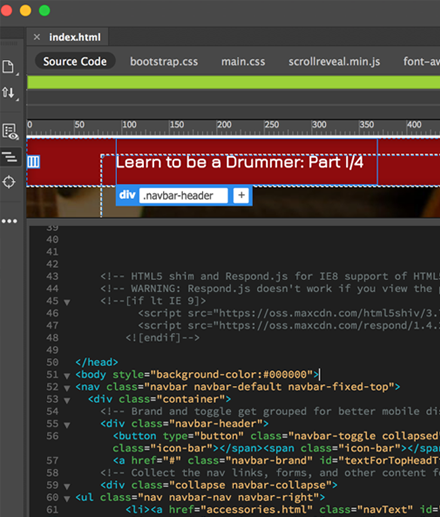
A jump to Code View in Dreamweaver to build a fictitious website for drummers
Used an Adobe web editor called Muse back in 2019, to make microsites and landing pages for the company, but then came Mac-based Tumult Hype
The front end of the drummer website code view: just a sample, and not my ideal choice for website d&d
Different programs and methods to achieve website delivery
At one point, delivered web-based learning assets with menus and buttons set to anchor IDs
AboutResumeDrummer
IllustratorIllustrationSports LawCartoon CreatorCoworker ToonsCreature LeadersZombies Part 1
Graphic DesignGraphic ArtistViscosi KidChart DesignsWeb DesignDigital Designer
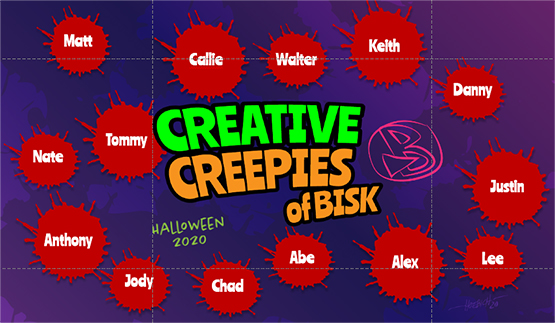
Desktop ActivitiesMobile ActivitiesInteractions GalleryCreepy Creatives
Video EditingAnimationFCCI Reel
CorporateMotivated MindsetDecal MoraleSuite Ideas!Visual Welcomes